
Split Tunneling: VPN Users Choose Which Apps Stay Encrypted
ProtonVPN and NordVPN now allow Windows users to exclude specific programs from their encrypted tunnel, balancing security with connection speed and local network access.
By Daniel Rogers ·
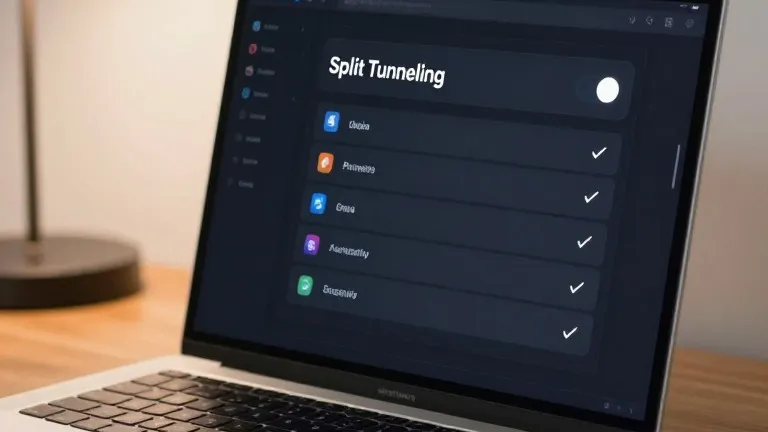
VPN users often sacrifice connection speed for digital privacy. Split tunneling resolves that trade-off by letting people decide which apps stay encrypted and which connect directly to the internet. This feature prevents users from having to toggle their VPN on and off for every different task.
The encrypted bridge created by a VPN hides browsing activity from internet providers and other devices on the same network. However, that protection can interfere with local needs. A gamer seeking the lowest latency might want to exclude their game client from the tunnel. A user checking local movie showtimes may need their ticketing app to bypass the VPN so it reflects their actual location. Smart home gadgets and printers on a home network can also become inaccessible if all traffic is routed through the tunnel.
ProtonVPN and NordVPN have made this control straightforward for Windows users. In the ProtonVPN desktop app, a split tunneling link sits on the right side of the main console next to options for port forwarding and the kill switch. When enabled, users can select specific apps to include in the tunnel or exclude them from it. NordVPN uses a similar interface. Users click the cog icon in the bottom left corner, select split tunneling, and flip the toggle to choose which applications receive protection.
Most consumer VPN services now offer this feature, usually on paid tiers. While app-based routing is the standard, some services also support URL-based rules that target specific domains. A user might keep the VPN active for a search engine where they type sensitive queries but turn it off for a local news site. Route-based and policy-based tunneling also exist, but these are less common in consumer software and are generally used by administrators managing multiple users.
Mobile devices handle this feature differently. Android and desktop platforms allow users to select specific apps for inclusion or exclusion. iPhones offer less flexibility. Users on iOS are typically limited to excluding specific websites and IP addresses rather than entire applications. This restriction means iPhone users cannot easily exclude a weather app from the tunnel to get a local forecast.
Setting up split tunneling is a one-time task for most people. Users can revisit the settings later to adjust which apps are covered, but the feature does not require ongoing attention. The configuration allows VPN protection to remain active for banking or sensitive work while letting other apps run with full speed and local accuracy.
Source: Wired